Outbound Call Center

Outbound Call Center Software

More Calls. More Connects. More Revenue.

Stop wasting agent time on manual dialing, missed numbers, and voicemail dead-ends. FlyFone's outbound platform automates your entire calling workflow - so your team spends more time talking to real people, and less time waiting.

Start Free Trial
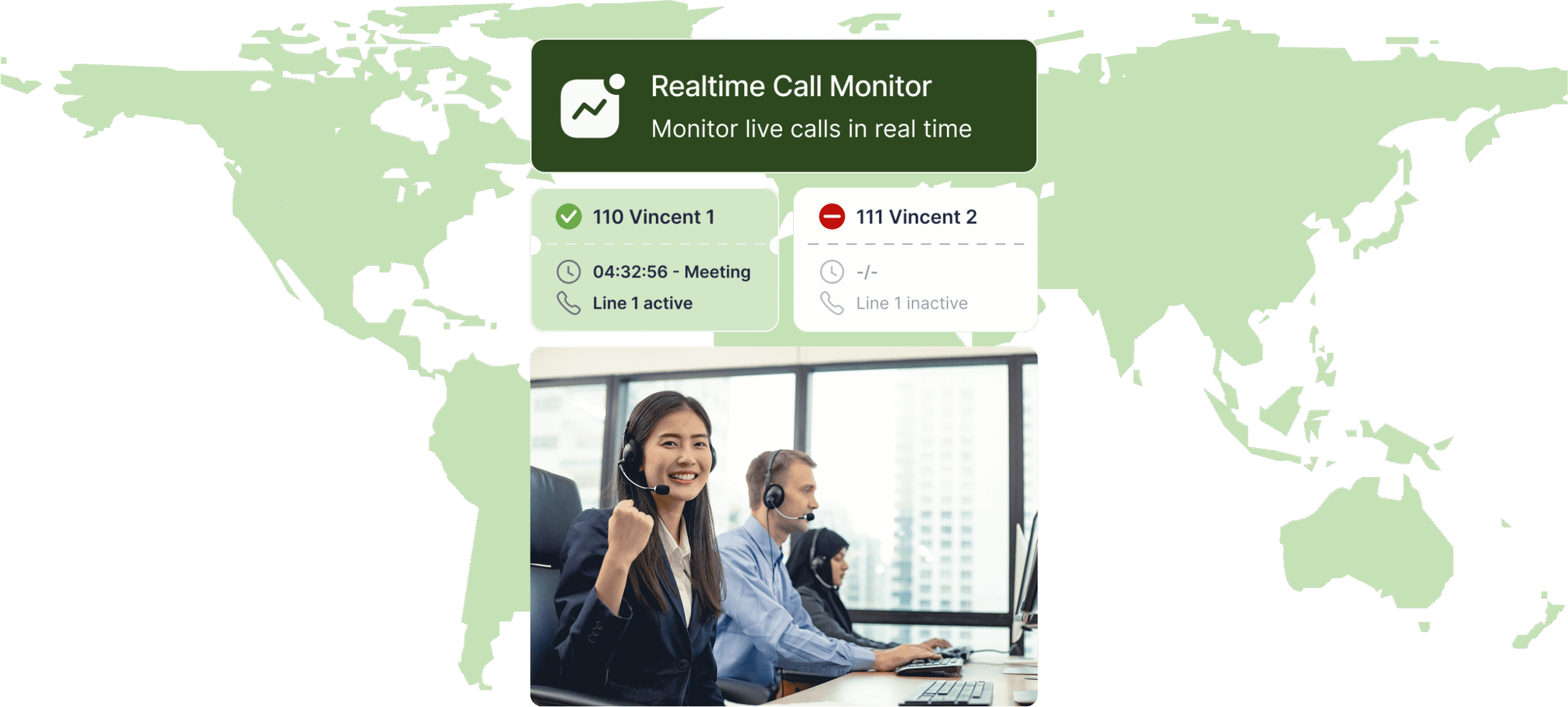
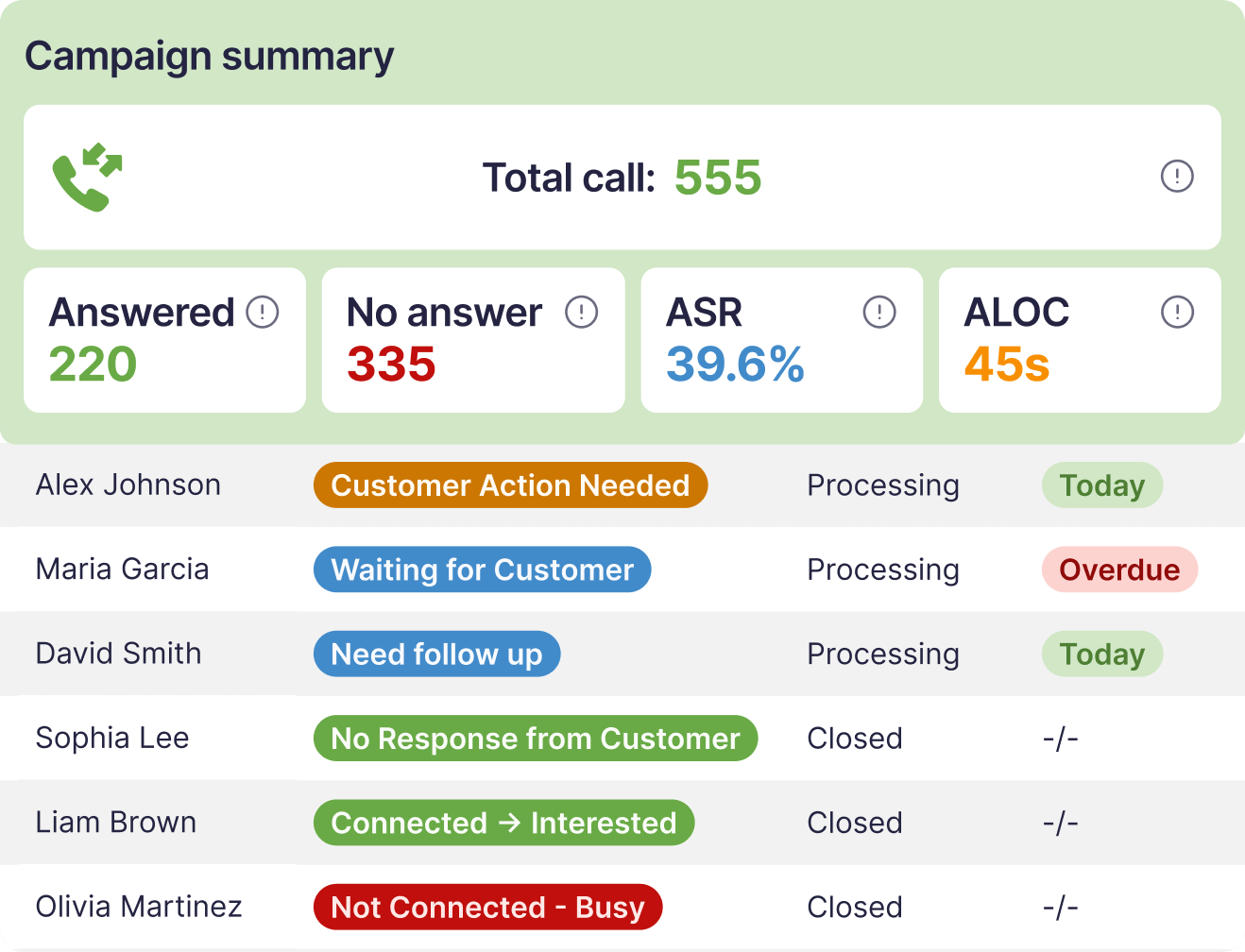
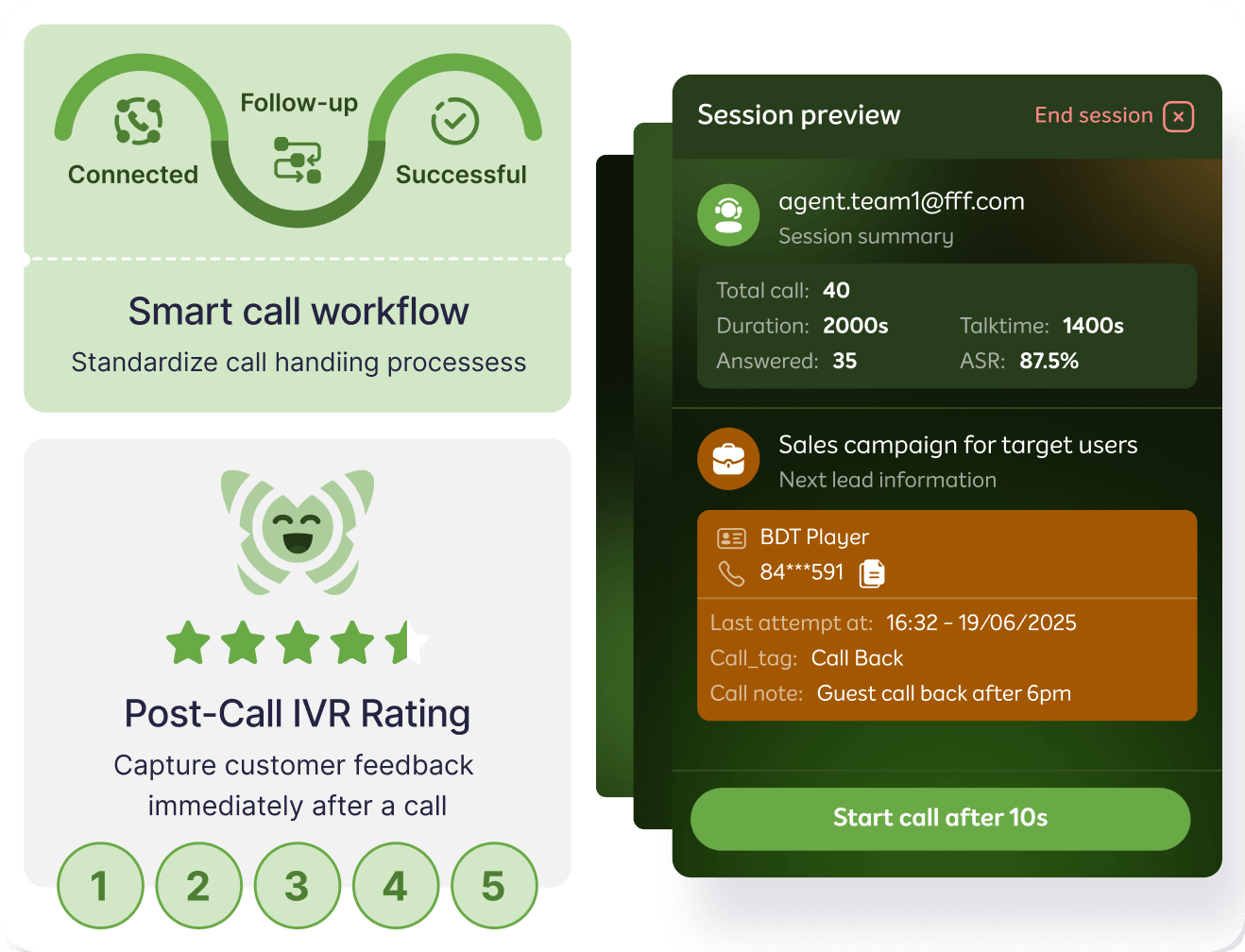
FlyFone outbound call center dashboard showing live campaign and dialer activity
Why it matters

Manual outbound is quietly killing your team's productivity

Wrong numbers, voicemails, and idle agents are draining your pipeline every hour.

65%
of outbound calls
never connect
Wrong numbers, voicemails, and busy lines waste the majority of your team's dial attempts every single day.
Only 30%
of agent shift time in
actual live conversation
The rest is spent dialing, waiting, navigating voicemails, and logging call outcomes manually.
30%
revenue increase with
proactive outbound
Proactive outbound engagement drives significantly more revenue than reactive support alone.
Platform

Every tool your outbound team needs to hit their numbers

From predictive dialing to compliance controls, everything in one platform.

Predictive, Progressive & Preview Dialer

Three dialing modes in one platform. Predictive dials multiple numbers simultaneously and connects agents only to live answers. Progressive moves to the next number the moment a call ends. Preview gives agents context before dialing high-value leads.

PredictiveProgressivePreviewAuto-pacingAMD

Answering Machine Detection

Automatically detect and skip voicemails. Agents only pick up when a real person answers - no wasted seconds on beeps.

Voicemail skipAuto-retryDrop rate control

Local Presence Dialing

Display a local area code number matching your prospect's region. Calls with local numbers are significantly more likely to be answered.

Local caller IDArea code matchingSpam flag prevention

CRM Auto-Sync

Every call, outcome, and note syncs to your CRM instantly. No manual logging. No data gaps between calls.

SalesforceHubSpotZohoAuto-log

Campaign Manager

Build, launch, and manage multiple calling campaigns from one dashboard. Set call schedules, assign agent groups, and track results in real time.

Multi-campaignTime-zone rulesLead list import

Real-Time Agent Dashboard

Live view of calls in progress, agent activity, connect rates, and campaign performance. Managers intervene before issues compound.

Live monitoringWhisper coachingBarge-in

Compliance Controls

Built-in Do Not Call list management, TCPA rules, and call time restrictions by region. Stay compliant without manual checks.

DNC listTCPAGDPRCall time rules

Outbound teams that stopped leaving calls on the table

↑ 3x live conversations/day
"We went from 40 to 120 live conversations per agent per day after switching to predictive dialing. The difference was immediate."
JM
Jason M.
Sales Manager, B2B software company
↓ 80% manual dialing time
"AMD alone eliminated the voicemail problem. Our agents stopped dreading their call lists and started hitting quota consistently."
LT
Linda T.
VP of Sales, insurance firm
+28% connect rate
"Local presence dialing changed our answer rates overnight. Prospects actually pick up when they see a familiar area code."
RB
Rafael B.
Outbound Team Lead, debt recovery services
Use Cases

Built for every outbound motion

Sales, collections, or retention - FlyFone adapts to your outbound workflow.

↑ Fill the pipeline. Close faster.

Give sales reps the tools to reach more prospects

Qualify faster and hand off warm leads without dropping context. Predictive dialing eliminates idle time so your team talks more, waits less.

Predictive dialer eliminates idle time between calls
Real-time whisper coaching for live objection handling
CRM screen pop with full lead history before each call
Auto-log outcomes and schedule follow-ups instantly
Sales Dashboard
💰 Recover more. Escalate less.

Reach overdue accounts faster with automated retry logic

Time-zone compliance and full call recording for audit trails. Progressive dialing with smart retry scheduling keeps your team productive and compliant.

Progressive dialing with smart retry scheduling
DNC and compliance controls built-in
Call recording for every interaction
Real-time dashboard by agent and campaign
Collections Dashboard
💪 Proactive service before customers churn.

Reach customers before they go quiet

Renewal reminders, satisfaction surveys, and check-in calls at scale. Campaign scheduling by segment or lifecycle stage keeps your retention team proactive.

Campaign scheduling by segment or lifecycle stage
Post-call survey automation
Sentiment tagging per call outcome
CRM sync for seamless handoff to account managers
Retention Dashboard
International standards,
local data residency
End-to-End
Encryption
GDPR
Compliant
TCPA
Ready
PCI DSS
SOC 2
Type II
AWS Global
Infra
Pricing

No seat minimums. Scale your outbound team instantly.

No fixed seats. No long-term contracts. Scale up or down instantly - you only pay for active agents and minutes used.

No setup fees
No minimum commitment
Cancel anytime
14-day free trial
Scale from 1 to 10,000+ agents
Volume discounts available
FAQ

Common questions about outbound calling

Everything you need to know before powering up your outbound team.

Predictive dials multiple numbers simultaneously and connects agents only to live answers - best for high-volume campaigns. Progressive automatically dials the next number when an agent finishes - best for mid-volume with more control. Preview shows agent the lead profile before dialing - best for high-value or complex outreach.

FlyFone's AMD analyzes audio patterns in the first seconds of a connected call to determine if it's a live person or voicemail. If voicemail is detected, the call is automatically skipped or a pre-recorded message is dropped, and the agent moves to the next lead.

Yes. The Campaign Manager supports simultaneous campaigns with separate agent groups, call schedules, lead lists, and reporting - all from one dashboard.

FlyFone automatically checks numbers against your uploaded DNC list and national registries before each dial. Call time restrictions by region are enforced automatically to stay TCPA-compliant.

Yes. Native integrations with Salesforce, HubSpot, Zoho, and Pipedrive. Every call outcome, recording, and note syncs automatically. REST API and webhooks available for custom integrations.

Guide

What is an outbound call center?

A plain-English explanation of how outbound calling works, the campaign types it supports, and the compliance rules that apply in the US.

An outbound call center is a team that places outgoing calls to customers and prospects, rather than waiting for calls to come in. Agents work from a contact list and a campaign goal, and dialer software handles the mechanics of getting them connected.

The distinction from an inbound centre is not the technology — it is the direction of intent. Inbound support responds to a problem the customer already has. Outbound reaches out before the customer does anything, which changes how agents are measured, how lists are managed, and which regulations apply.

What outbound teams actually call about

Outbound covers far more than cold sales. The five most common campaign types are:

  • Sales and lead follow-up — calling inbound leads, trial signups, or lapsed opportunities while intent is still warm.
  • Collections and payment recovery — reaching overdue accounts on a retry schedule rather than one-off attempts.
  • Retention and renewals — contacting customers showing churn signals before the renewal date, not after.
  • Appointment reminders and confirmations — reducing no-shows in healthcare, services, and field operations.
  • Surveys and research — post-interaction feedback, NPS follow-up, and market research.

How an outbound campaign runs, step by step

  • Build the list — import contacts from the CRM, segment by priority, and scrub against Do Not Call records.
  • Pick a dialing mode — predictive, progressive, or preview, depending on volume and call value (see the comparison below).
  • Set the rules — calling windows by time zone, retry logic, maximum attempts, and abandonment thresholds.
  • Run and route — the dialer places calls, filters out voicemail and dead numbers, and connects agents only to live answers.
  • Log the outcome — disposition, notes, and recordings write back to the CRM so the next attempt has context.

Predictive, progressive, and preview dialing compared

Choosing the wrong dialing mode is the most common reason outbound programmes underperform. The trade-off is always the same: connection rate against conversation quality.

ModeHow it dialsBest forTrade-off
PredictiveDials several numbers at once and predicts agent availability, connecting only live answersHigh-volume campaigns with large lists and simple conversationsHighest connect rate, but risks abandoned calls if pacing is set too aggressively
ProgressiveDials the next number automatically as soon as an agent finishesMid-volume campaigns needing steady pace with more controlLower throughput than predictive, but no abandoned calls
PreviewShows the agent the lead record first, then dials on their commandHigh-value, complex, or relationship-driven outreachLowest calls per hour, highest conversation quality

A practical rule: the higher the value of a single conversation, the further you should move toward preview. Running preview dialing on a 10,000-record cold list wastes agent hours; running predictive on a list of enterprise renewals wastes the relationship.

Compliance: DNC and TCPA

Two US federal rules govern most outbound calling, and both carry real penalties.

  • The Do Not Call (DNC) Registry — numbers on the national registry cannot be called for telemarketing purposes. Lists must be scrubbed against both the national registry and your own internal DNC list before each campaign, not once at import.
  • The Telephone Consumer Protection Act (TCPA) — governs consent, calling hours, automated dialing, and pre-recorded messages. Calling windows are set by the recipient's local time zone, not yours.

The operational point: compliance fails on the details, not the policy. The three that catch teams out are stale DNC scrubs, calling windows applied in the wrong time zone, and abandonment rates drifting above threshold when predictive pacing is turned up. All three are configuration, which means all three can be enforced by the platform rather than remembered by a supervisor.

Inbound and outbound in the same team

Most teams above a certain size run both, and the common mistake is treating them as one operation with one set of metrics. Inbound is measured on responsiveness — service level, first-call resolution, abandonment. Outbound is measured on reach and outcome — connect rate, conversations per hour, conversion.

Blending agents across both is workable, but the schedule has to protect one from the other. Without a rule, inbound spikes always win, and the outbound campaign quietly stops running.