11748 nav_menu_item publish 0

Inbound Call Center Software

Never miss a customer. Never keep them waiting.

FlyFone's inbound call center platform routes every call to the right agent instantly - with AI-powered IVR, skills-based ACD, and real-time dashboards that keep your team ahead of the queue.

Start Free Trial
FlyFone inbound call center dashboard showing live queue and agent status
Why it matters

Most inbound call centers are losing customers silently

Long wait times, misrouted calls, and unresolved issues are costing you revenue every day.

60%
of customers hang up
after waiting 1-2 minutes
Every second on hold erodes trust. Callers expect instant answers, not elevator music and queue numbers.
41%
average first-call
resolution rate
Most issues aren't solved on the first call. Without skills-based routing, customers bounce between agents.
8 min
average handle time
per inbound call
Much of it wasted on manual routing, searching for customer history, and post-call note-taking.
Platform

Everything an inbound team needs to perform

From intelligent routing to AI-powered summaries, built for teams that take customer calls seriously.

Intelligent ACD & Skills-Based Routing

Automatically distribute incoming calls to the right agent based on skill set, language, availability, or custom priority rules. No more blind transfers. No more frustrated customers.

Skills-basedQueue mgmtPriority rulesOverflowTime-of-day routing

Multi-Level IVR

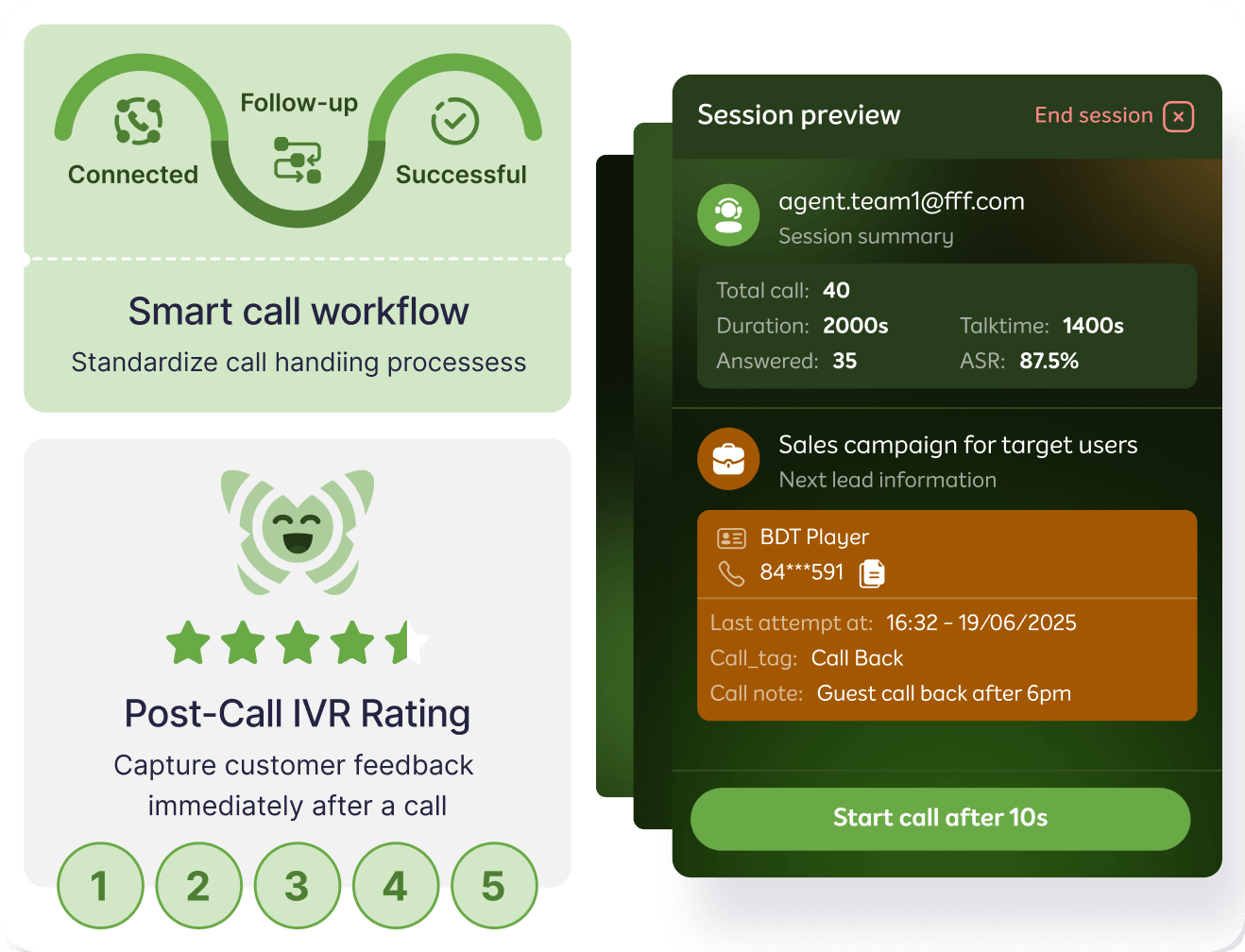
Guide callers through smart voice menus to self-serve or reach the right department - without waiting for an agent.

Self-serviceCustom menus24/7 coverage

Real-Time Queue Dashboard

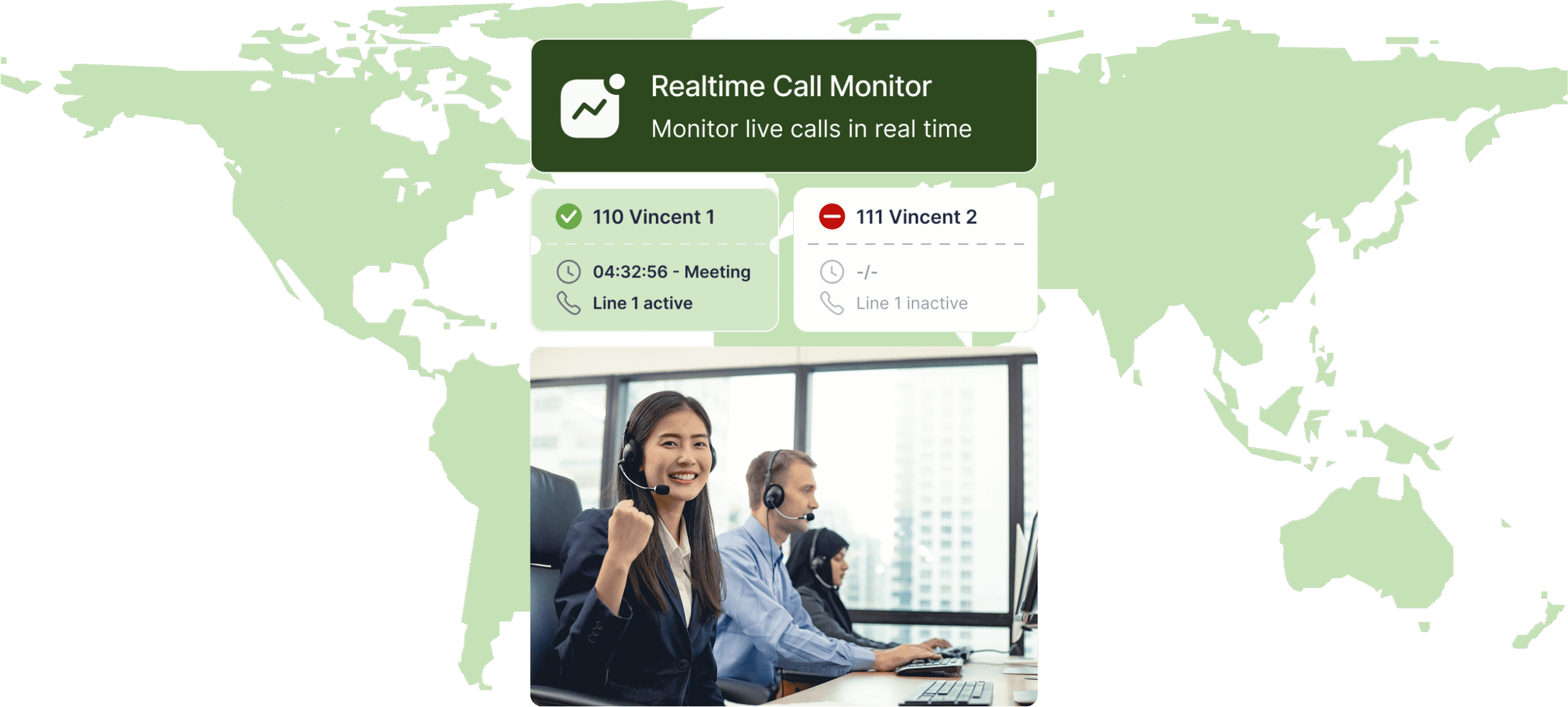
Live visibility into call volume, wait times, agent availability, and SLA status. Managers can act before issues escalate.

Live wallboardSLA alertsSupervisor view

Call Recording & Monitoring

Record every call automatically. Listen live, whisper-coach agents, or barge in when needed. Full audit trail for compliance.

Auto-recordLive monitorWhisperBarge

Queue Callback

Let callers request a callback instead of waiting on hold. Reduce abandonment. Protect customer experience during peak hours.

Virtual holdAuto-callbackAbandonment reducer

CRM Screen Pop

When a call arrives, the caller's full history appears instantly - name, past interactions, open tickets. Agents answer informed.

SalesforceHubSpotZohoAuto screen pop

AI Call Summary

Post-call summaries, action items, and sentiment scores generated automatically. No manual note-taking after every call.

Auto-summarySentimentAction items

Inbound teams that switched to FlyFone

↓ 72% call abandonment
"We went from a 15% abandonment rate to under 4% in 60 days. The queue callback feature alone saved us hundreds of customers a month."
DL
David L.
Customer Experience Manager, e-commerce company
↑ FCR from 38% to 61%
"Skills-based routing changed everything. Customers reach the right agent first time, and our first-call resolution jumped 23 points."
AS
Amara S.
Support Director, SaaS platform
⚡ Live in under 4 hours
"We replaced a legacy PBX with FlyFone and were fully live before end of day. No IT department involved."
TR
Tom R.
Operations Lead, financial services firm
Use Cases

Built for every inbound team

Customer support, IT help desk, or healthcare - FlyFone adapts to your workflow.

↑ Resolve more. Escalate less.

Equip support agents to resolve every call

Screen pops, AI summaries, and one-click escalation give your team everything they need to reduce handle time and improve CSAT.

IVR deflects routine queries to self-service
Whisper coaching for new agents during live calls
Post-call survey triggers automatically
Full interaction history per customer
Customer Support Dashboard
🔒 Keep SLAs. Never miss a ticket.

Route technical queries by tier and skill level

Escalate to L2/L3 automatically when needed. Track SLA compliance in real-time and ensure enterprise accounts always get priority.

Skill-based routing by product or issue type
Priority queuing for enterprise accounts
Call recording for audit and training
Real-time SLA compliance dashboard
Help Desk Dashboard
⚠️ Every call is urgent. Treat it that way.

Handle appointments, patient queries, and triage calls

Configurable routing rules for after-hours, on-call staff, and non-urgent callbacks. Built on HIPAA-ready infrastructure.

After-hours routing to on-call staff
HIPAA-ready infrastructure
Queue callback for non-urgent calls
CRM integration with patient management systems
Healthcare Dashboard
International standards,
local data residency
End-to-End
Encryption
GDPR
Compliant
PCI DSS
AWS Global
Infra
SOC 2
Type II
Multi-Region
Pricing

Pay only for what you use

No fixed seats. No long-term contracts. Scale up or down instantly - you only pay for active agents and minutes used.

No setup fees
No minimum commitment
Cancel anytime
14-day free trial
Scale from 1 to 10,000+ agents
Volume discounts available
FAQ

Common questions about inbound call centers

Everything you need to know before getting started with FlyFone.

IVR is the voice menu callers interact with when they first call in ("Press 1 for Sales"). ACD is the engine that routes the call to the right agent after IVR collects their input. FlyFone includes both, fully configurable without code.

Yes. Time-of-day and day-of-week routing rules let you configure business hours, after-hours, holiday schedules, and overflow behavior independently per queue or department.

When wait time exceeds your threshold, callers are offered a callback option. They hang up, keep their place in queue, and receive an automatic callback when an agent is available.

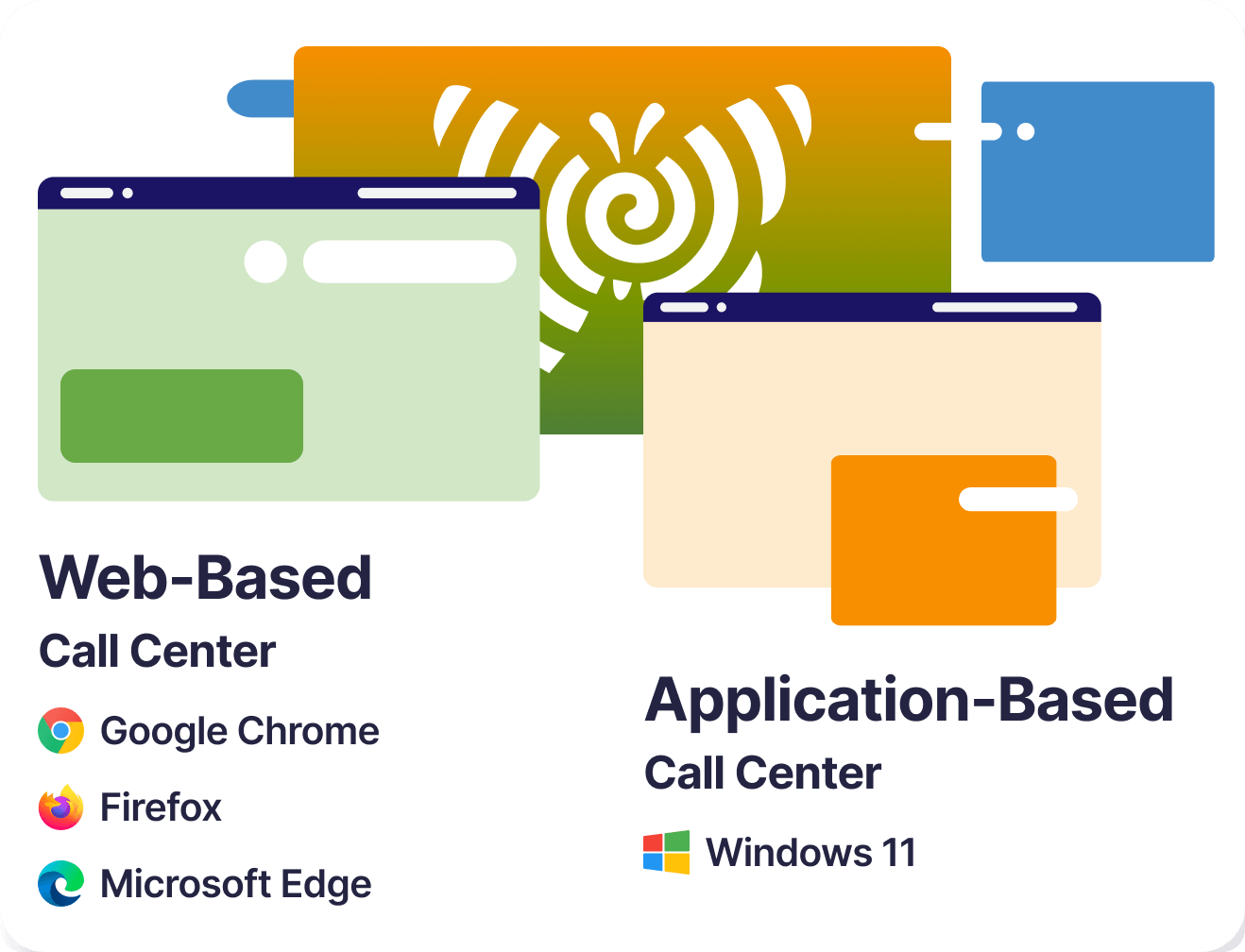
Yes. FlyFone is fully browser-based with desktop apps for Windows/Mac and mobile apps for iOS/Android. Agents work from anywhere with a stable internet connection.

Most inbound call centers are fully configured and live within 24 hours. Our onboarding team handles routing setup, IVR configuration, and agent onboarding.

Guide

What is an inbound call center?

How inbound support actually works — the path a call takes before it reaches an agent, and why queues behave the way they do.

An inbound call center handles calls that customers start. Someone dials your number because they have a question, a problem, or an order to place, and the job is to get them to the right person quickly enough that they do not give up on the way.

That sounds simple, and the technology is not the hard part. The hard part is that demand arrives when it wants to, not when you are staffed for it — which makes inbound a capacity problem long before it becomes a service problem.

Inbound and outbound are different operations, not two settings

They share a phone system and almost nothing else. The difference shows up in how you staff, what you measure, and what "a good day" looks like.

InboundOutbound
Who starts the callThe customerThe agent
Volume isUnpredictable — you forecast itControlled — you decide the pace
Main riskCallers abandon before being answeredAgents run out of list, or contacts do not pick up
Measured onSpeed of answer, abandonment, resolutionConnect rate, conversations per hour, conversion
Staffing driven byForecast plus a buffer for varianceList size and target contact rate
Idle agent time isNecessary — it is what absorbs spikesWaste — it means the dialer is under-feeding

That last row is the one teams get wrong most often. On an inbound queue, an agent sitting idle is not slack in the system — it is the system. Push occupancy too high and the queue stops absorbing variation, which is where the next section comes in.

How a call actually reaches an agent

Between the customer dialling and an agent saying hello, a call passes through four distinct stages. Knowing them makes it much easier to work out where a delay is coming from.

  1. Arrival and identification. The call lands on a number. The platform looks up what it already knows — caller ID matched against your CRM, the number dialled, and sometimes the account status behind it. This is the point at which a known customer can be treated differently from an unknown one.
  2. IVR — the menu. The caller states or selects what they need. Good IVR design collects the minimum needed to route correctly and nothing more; every extra layer adds seconds and abandonment. If your IVR asks for an order number and the agent asks again, the IVR is costing you goodwill for no benefit.
  3. ACD — the queue. The automatic call distributor decides where the call waits and in what order. This is not simply first-in-first-out: calls can be prioritised by account tier, by how long they have already waited, or by the reason chosen in the IVR.
  4. Skills-based routing — the match. Rather than sending the call to whoever is free, the platform matches it to an agent qualified for that request — by language, product, tier, or certification. When no qualified agent is free, the rules decide whether it waits, widens the pool, or offers a callback.

Most "our wait times are too long" problems turn out to live in stage two or four rather than in headcount. An IVR that misroutes sends calls to agents who transfer them, doubling the handling. Skills rules that are too narrow leave agents idle while a queue builds beside them.

Why adding agents does not cut waiting time proportionally

This is the part almost no guide explains, and it explains most inbound frustration.

Queues do not respond in a straight line. When a team is lightly loaded, one extra agent barely changes the wait, because there was rarely anyone waiting. When a team is running close to fully occupied, one extra agent can cut waiting dramatically — because the queue was only forming due to the small gaps where nobody was free.

The mechanism is variability. Calls do not arrive evenly spaced, and they do not all take the same time. A team busy 95% of the time has almost no slack to absorb a cluster of calls arriving together, so a queue forms and takes a long time to clear. The same team at 80% occupancy absorbs the same cluster without a visible queue.

The practical consequence: targeting very high agent occupancy looks efficient on a spreadsheet and produces long, volatile wait times in reality. If your service level swings wildly week to week while headcount is unchanged, occupancy is usually the reason — not agent performance.

Two things follow. First, forecast to the peak half-hour rather than the daily average, because the average never happens. Second, treat queue callback as capacity rather than a courtesy — letting a caller hang up and keep their place flattens the peak without adding a single agent.

What inbound teams typically handle

  • Order and account questions — status, changes, billing queries, cancellations. Usually the largest volume and the most automatable.
  • Technical support — troubleshooting, setup, configuration. Longest handling times, and where skills-based routing pays for itself.
  • Complaints and escalations — lowest volume, highest stakes, and the calls most damaged by a long wait or a misroute.
  • Appointments and scheduling — booking, rescheduling, reminders and triage in healthcare, services, and field operations.
  • Pre-sale questions — often overlooked as support, though these are revenue calls; treating them as a service queue is why they get answered last.

Sorting your own volume into these five buckets is usually the fastest diagnostic available. If one bucket dominates, the fix is rarely more agents — it is a product page, a billing flow, or a self-service option that is not doing its job.